CPU Voxel Raytracer
Built on top of a minimal voxel ray tracing template in Year 1. Covers lighting, recursive Whitted-style ray tracing, Monte Carlo accumulation, stochastic rendering and several advanced camera and volumetric effects.
What did I do?
- Learned about (and implemented) Monte-Carlo numerical integration, Multi-sampled Anti-Aliasing, Depth of Field, materials (e.g. metallic, dielectric), Fish-Eye lens effect and smoke rendering
- Learned about memory profiling and CPU profiling
- Learned about SIMD
Lighting and Materials
Point, spot and directional lights were among the first things implemented, following the project brief’s recommended schedule. Shadow rays are cast from each intersection point, with a self-intersection prevention function sourced from the book Ray Tracing Gems to prevent shadow acne.
Mirrors and glass were implemented as recursive materials. The trace function takes a depth parameter and calls itself with depth - 1 whenever a reflective or refractive ray needs to be traced, bottoming out at zero. This allowed mirrors to reflect into each other and glass blocks to refract and reflect recursively. An HDR sky dome is visible in all reflections as long as it is enabled, sourced from Jacco Bikker’s blog tutorial on the topic.
Fresnel reflectance is handled stochastically, rather than blending reflection and refraction by weight, a random sample decides which path each ray takes, which integrates correctly over many frames once the accumulator is running.
Monte Carlo Integration
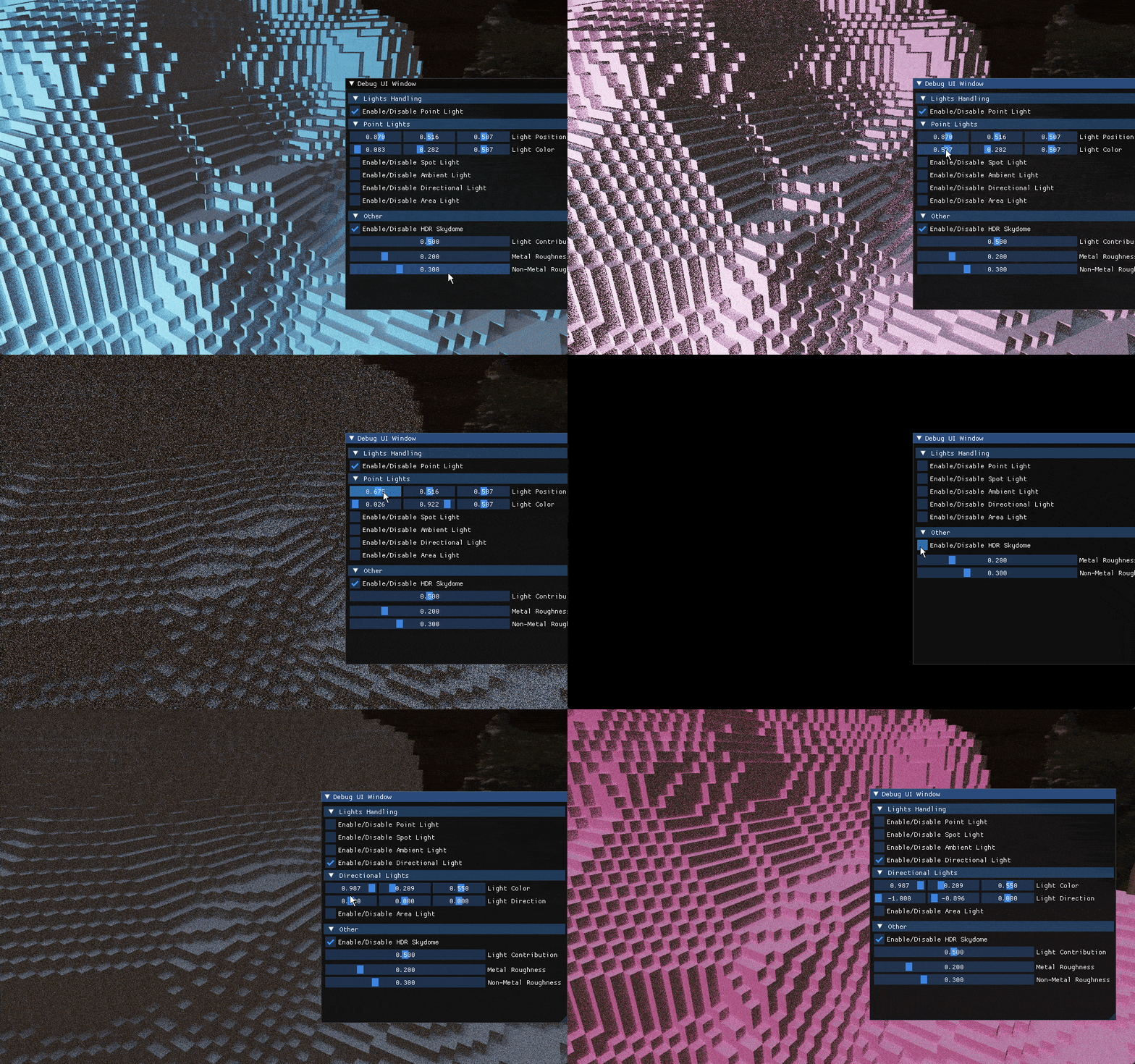
Showcased in the GIF above, the accumulator was the first advanced feature I implemented, learned at the first Advanced Graphics Guild session of the block. The idea is straightforward: the longer the camera stays still, the more samples accumulate per pixel and the less noisy the result gets. Each frame, a weight is calculated as the reciprocal of the current static frame count, and the final pixel value is a blend between the new sample and the accumulated buffer weighted accordingly. Any camera movement or scene change resets the accumulator and the noise returns until it settles again.
Stochastic light picking was also implemented for scenes with many lights, rather than evaluating all lights per intersection, one is picked randomly per sample and its contribution is scaled by the total light count, which converges correctly through the accumulator.
Advanced Features
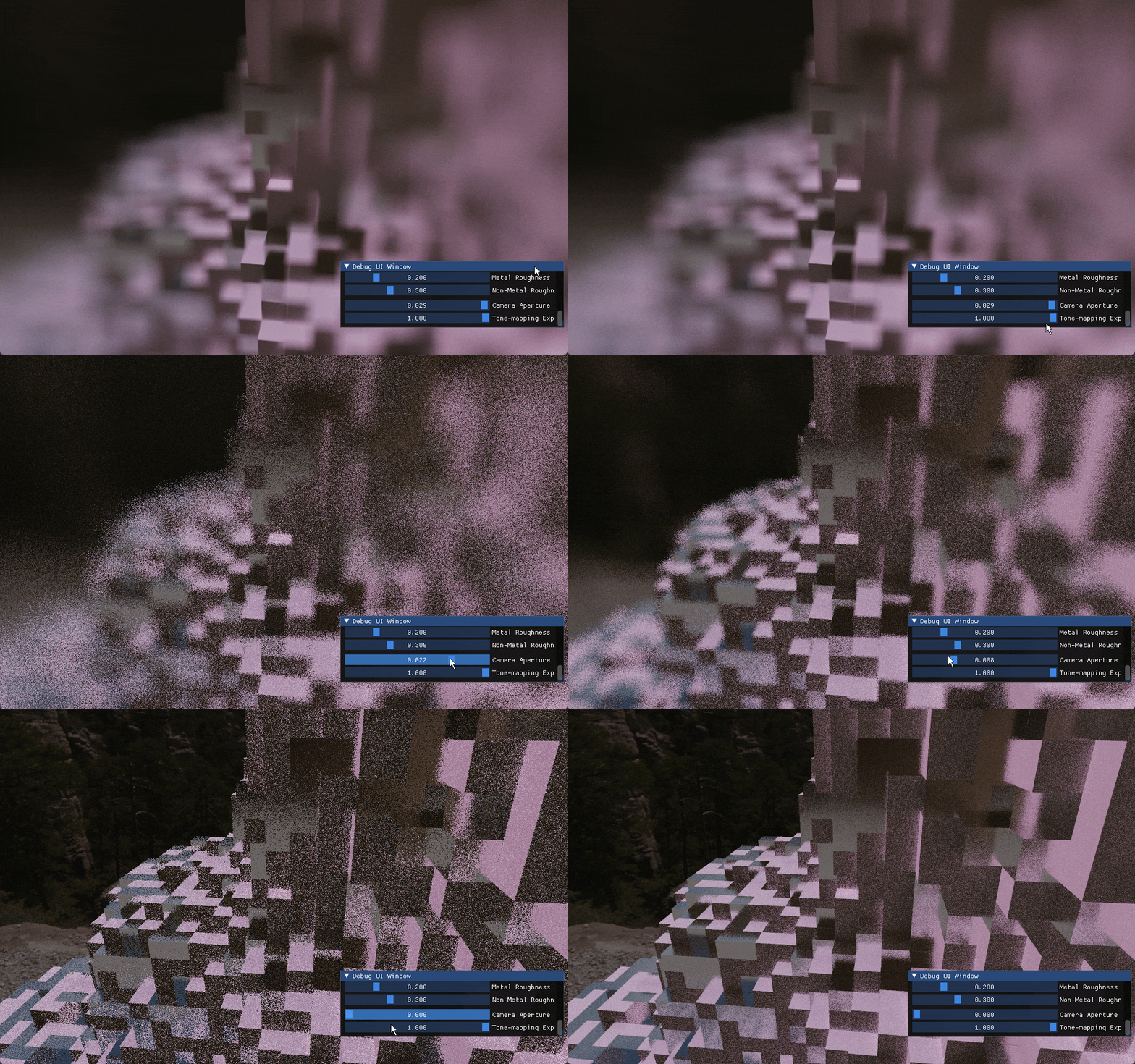
Showcased in the GIF above, depth of field works by jittering the ray origin within a disc of configurable aperture size and pointing each ray toward a focal point, calculated by shooting a single ray toward the screen center at the start of each frame and storing its intersection distance as the focus distance. The aperture sample is stochastic, which again integrates cleanly through the accumulator.
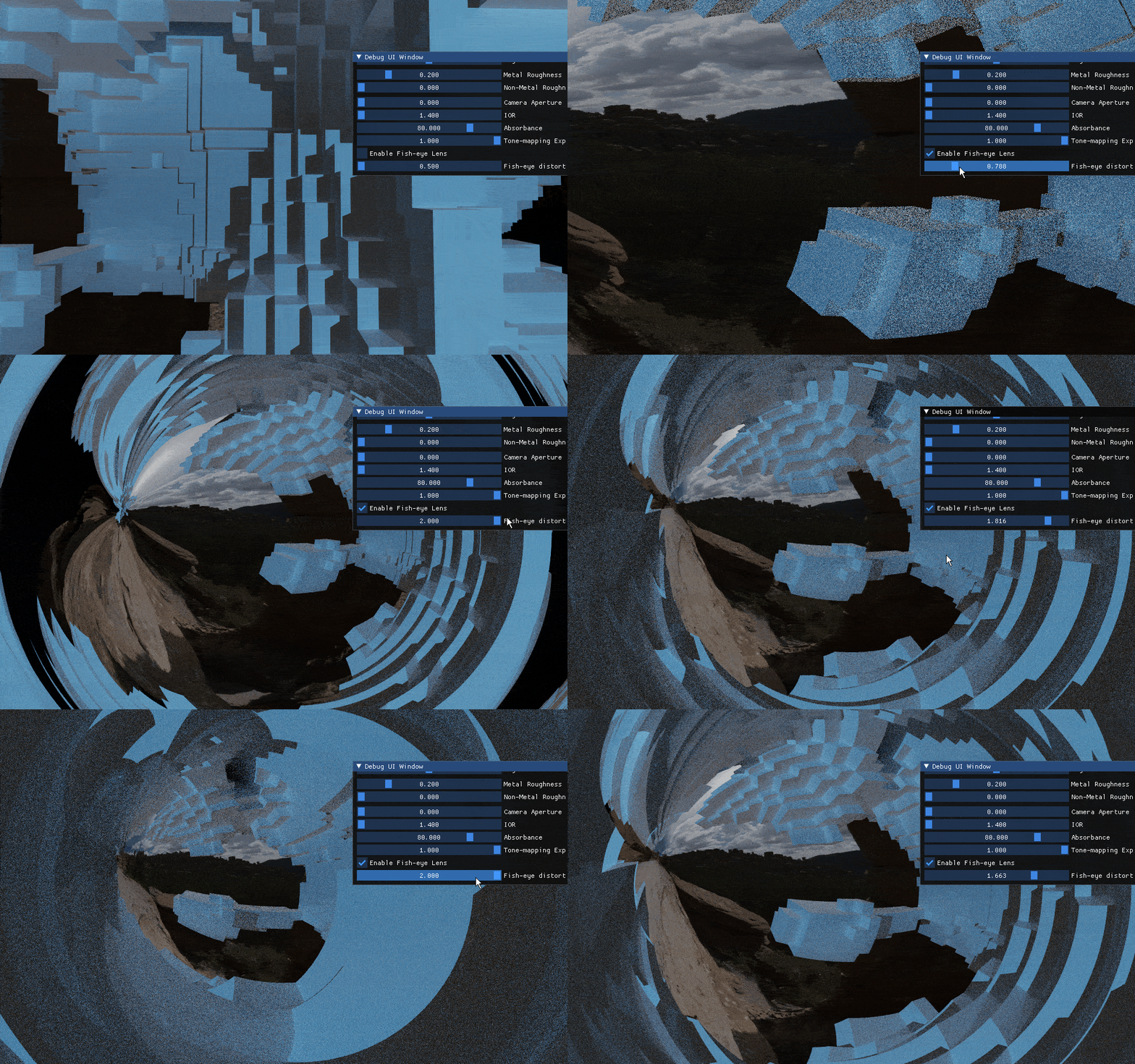
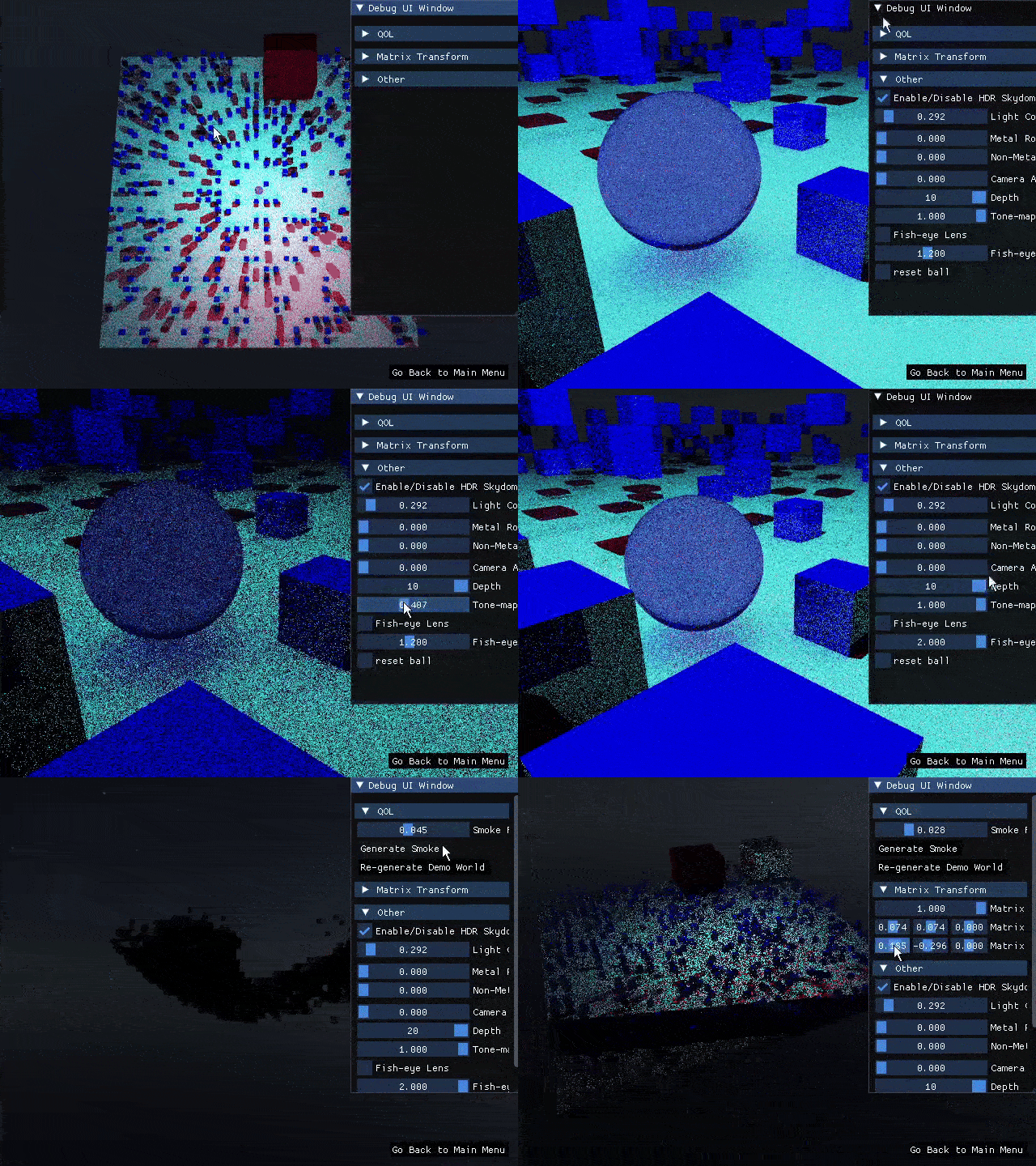
Showcased in the GIF above, the fish-eye lens effect was implemented using a ShaderToy reference that Jacco pointed to during a lecture on projection effects. Getting it to work within the existing template required some experimentation, and Jacco gave feedback on the implementation afterward.
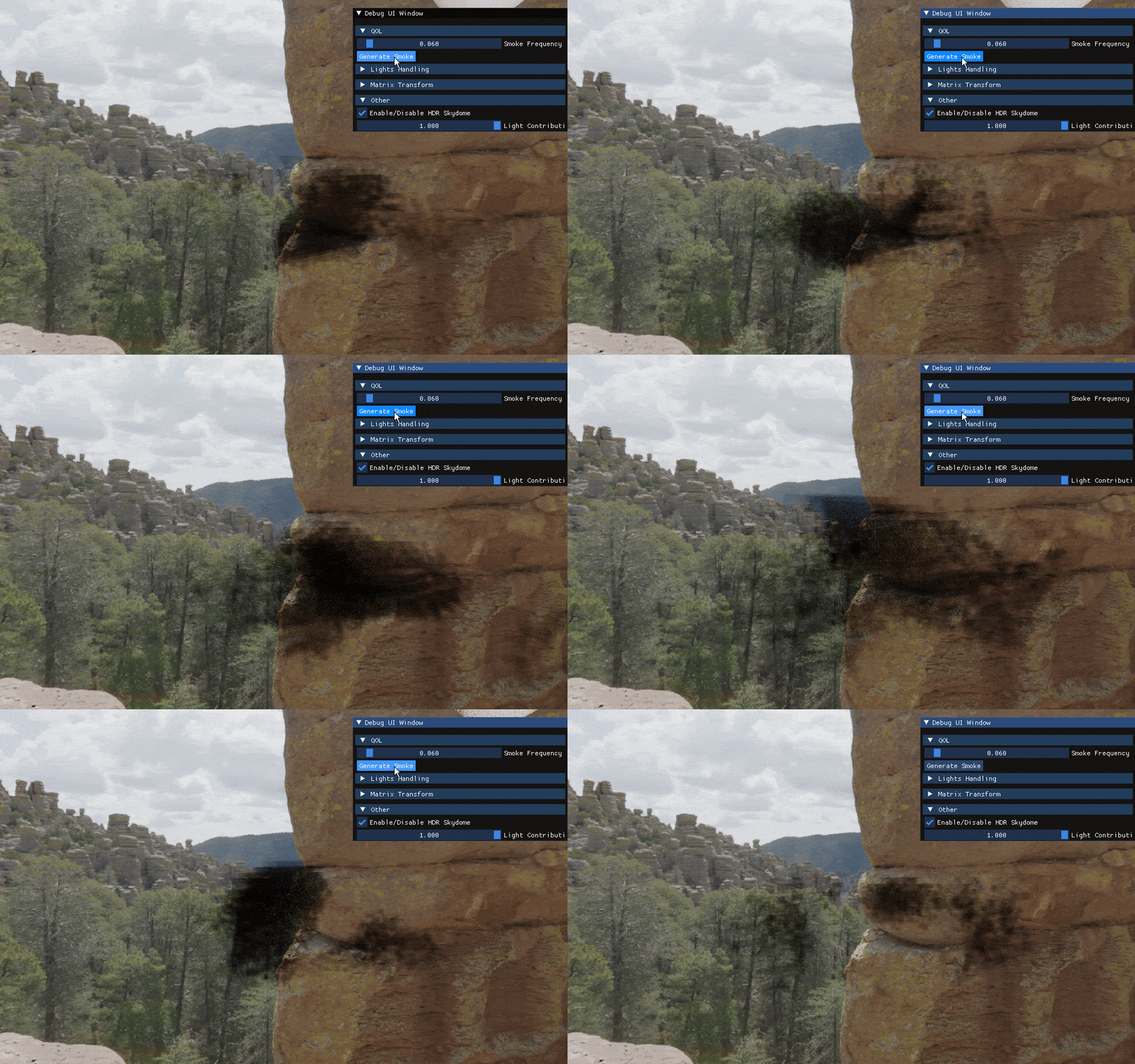
Showcased in the GIF above, smoke was implemented as a volumetric voxel material generated with the FastNoise2 library, which uses SIMD instructions for efficient Perlin noise generation. The smoke material uses Beer’s law for attenuation, an index of refraction of 1.0 and no reflectivity, keeping it distinct from the glass implementation.
Notable features implemented:
- Point, spot and directional lights with shadow rays
- Mirror and dielectric materials with recursive ray tracing
- HDR sky dome visible in reflections
- Monte Carlo accumulation for progressive noise reduction
- Stochastic Fresnel reflectance and multi-light sampling
- Depth of field with stochastic aperture sampling
- Fish-eye lens camera effect
- Volumetric smoke with Beer’s law attenuation
- Anti-aliasing via stochastic ray jitter
- Spheres
Project Outcome
The result of this project can be seen in higher quality in the demo video from below:
GitHub Repository